Steve's Blog

Challenges for road safety

I’ve been getting involved with the whole concept of Road Safety as of late - as I’ve noticed that more and more drivers have been completely ignoring the road rules with complete disregard of other road users. In a 20 minute drive, I saw:

1) A car split through the bus lane on Mickleham Rd to avoid waiting with other traffic at the roundabout on Mickleham and Broadmeadows Rds

2) A car turn right from the middle lane of Mickleham Rd into Greenvale Drive through a red turning arrow - cutting off oncoming traffic

3) A male driver in a 4WD drive over all curbs into a parking space at the old Woolworths at Craigieburn Shopping Centre so that he didn’t have to wait for the other three cars in front of him to park - and in the process cut of a car reversing into the same spot.

Sadly, there is no excuse for this kind of behaviour on our roads. It isn’t an accident. It isn’t bad planning. Its pure arrogance to ignore the road rules that are designed to keep everyone safe. As a community - I’m not sure we should tolerate this behaviour from individuals.

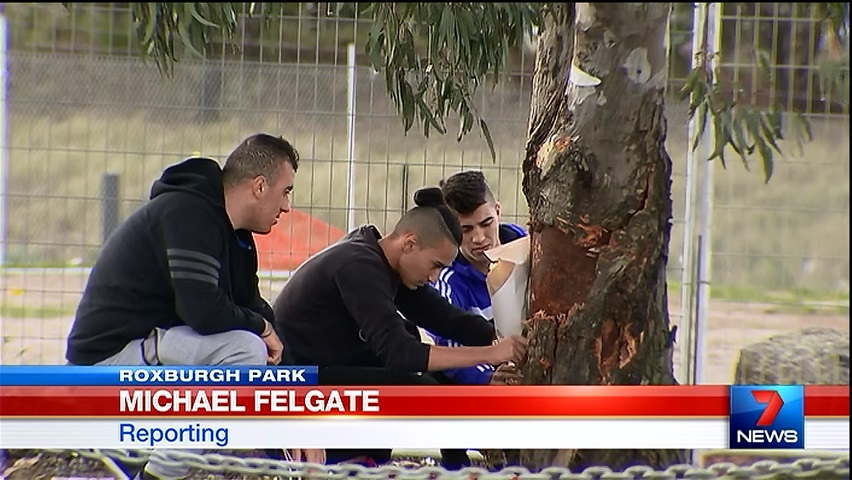
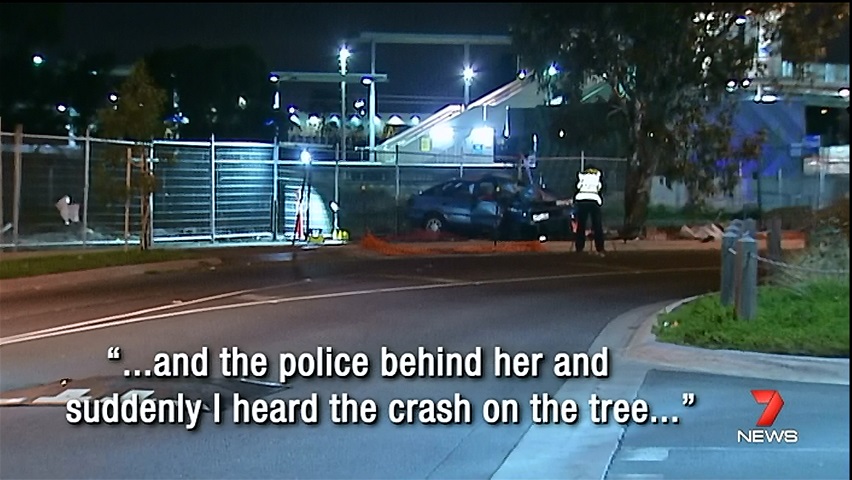
An example of this senseless loss of life was recently covered in the news:

Kernel 3.18 now available in el6-testing

Well, hasn’t it been a long time since I’ve posted here!

Just a quick announcement that I’ve posted kernel 3.18.14-1 in the el6-testing repo with the aim to replace the current 3.14.x based kernels with 3.18.x.

Current testing shows a seemless upgrade and as of right now, no issues have been reported. As always, feedback is welcome!

Java update broke the Dell DRAC 5 remote management cards!

So the openjdk in most linux distros has now been upgraded to v1.8. This has a good bug fix regarding the whole SSLv3 Poodle vulnerability.

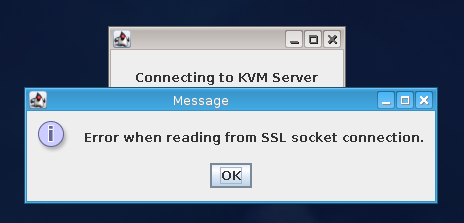
This has one problem. The Dell DRAC remote management cards installed in a lot of Dell servers relies on SSLv3 to operate. Without this, you can get into the web interface - but when you get an error stating Error when reading from SSL socket connection and no further.

Thankfully, it is simple to re-enable SSLv3 to allow the connection to succeed.

Open up /usr/lib/jvm/*/jre/lib/security/java.security in your favourite editor as root, and change the following line:

1
jdk.tls.disabledAlgorithms=SSLv3

to

1
jdk.tls.disabledAlgorithms=

This enables SSLv3 to all java applications - however it exposes yourself to the MITM attack as defined in CVE-2014-3566. I suggest having a read of the CVE to understand if you want to leave this setting as default on your system or disable it again afterwards.

Two factor SSH auth with Yubikeys

A while ago I wrote about how to do this exact thing but with an older version of openssh.

If you’re running a newer version of SSH, then the command syntax has been updated somewhat.

Firstly, once you’ve got your yubikey, you’ll need to enable EPEL for EL6/7 and install the pam_yubico package.

You’ll then need to modify the sshd pam file /etc/pam.d/sshd. There are two options here.

1) You require just the OTP; or

2) You want the OTP and a password.

If you want just the OTP, you add this just after the #%PAM-1.0 header:

1
auth       sufficient   pam_yubico.so id=16 authfile=/etc/yubikey_mappings

If you want both password AND OTP, you add this:

1
auth       required     pam_yubico.so id=16 authfile=/etc/yubikey_mappings

Now to create the /etc/yubikey_mappings user to key mapping. The README says:

1
2
3
4
5
6
7
8
9
10
Create a /etc/yubikey_mappings, the file must contain a user name and the
Yubikey token ID separated by colons (same format as the passwd file) for
each user you want to allow onto the system using a Yubikey.

The mappings should look like this, one per line:

------
   first user name:yubikey token ID1:yubikey token ID2:….
   second user name:yubikey token ID3:yubikey token ID4:….
------

Now, if you want to go further and require both a ssh key AND an OTP, you can add the following to /etc/ssh/sshd_config:

1
AuthenticationMethods publickey,password

Now after you supply a valid ssh key you will be asked for your password. If you’ve set this up correctly, this will either be your password + OTP or just OTP.

Enjoy!

Update 21/Jun/2015

One common question I get is how they can allow access without a yubikey while in the office, but force its usage outside of the office. This has a couple of parts - mainly, you’ll probably want to use a public key from inside, but force say a publickey + yubikey outside.

We do this by using a Match block in /etc/ssh/sshd_config as follows:

1
2
3
4
AuthenticationMethods publickey,keyboard-interactive

Match Address 10.1.1.0/24
        AuthenticationMethods publickey

In this method, we set that EVERYONE must use a public key and a keyboard-interactive method to authenticate, then we allow exceptions for small address spaces that we trust. I also recommend making the following changes:

1
2
PasswordAuthentication no
ChallengeResponseAuthentication yes

This disallows skipping the yubikey auth and just using a password. Although, now we’re using PAM as the auth source, you can still use a password via PAM - so we need to disable this in /etc/pam.d/sshd:

1
2
#auth       substack     password-auth
#password   include      password-auth

Hope this helps.